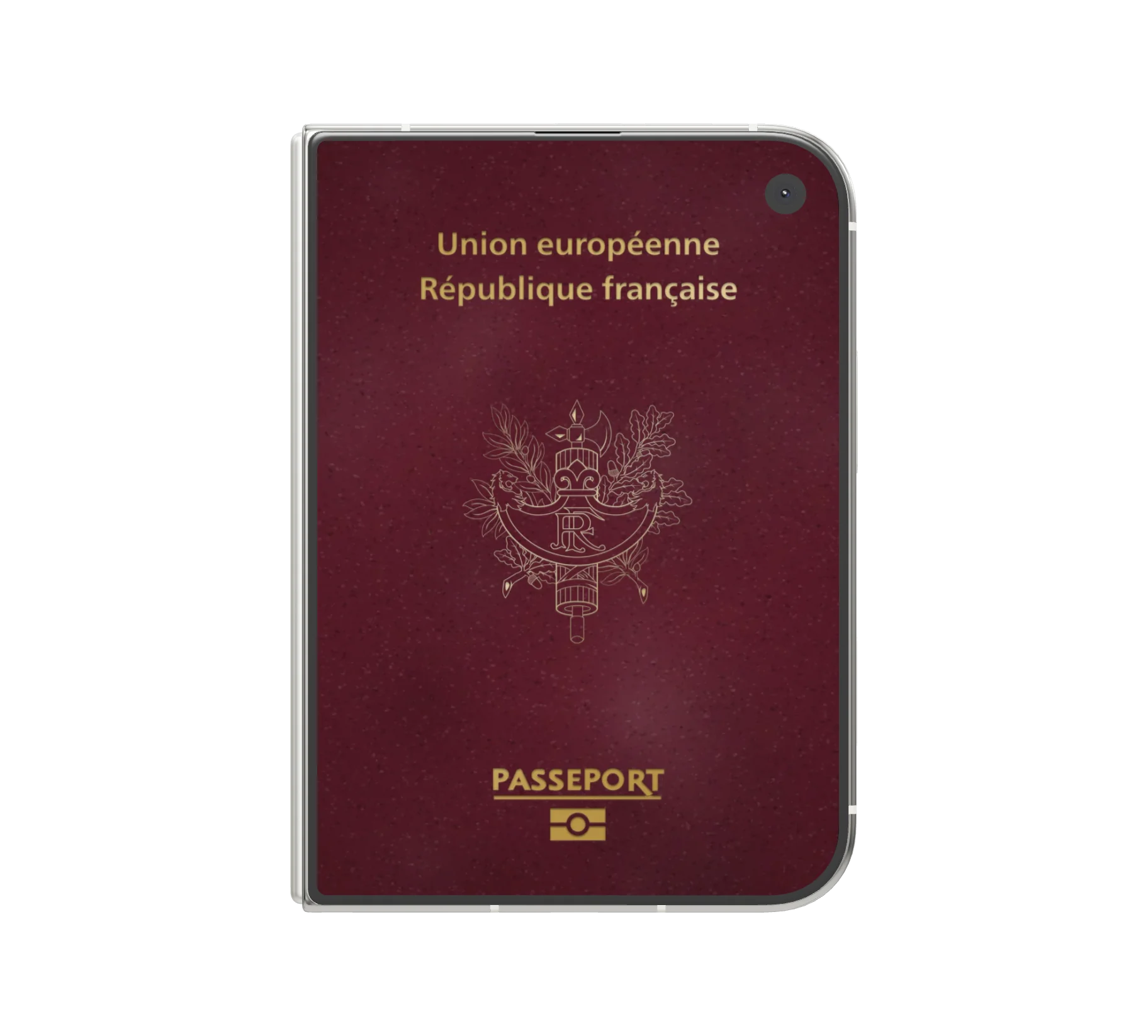
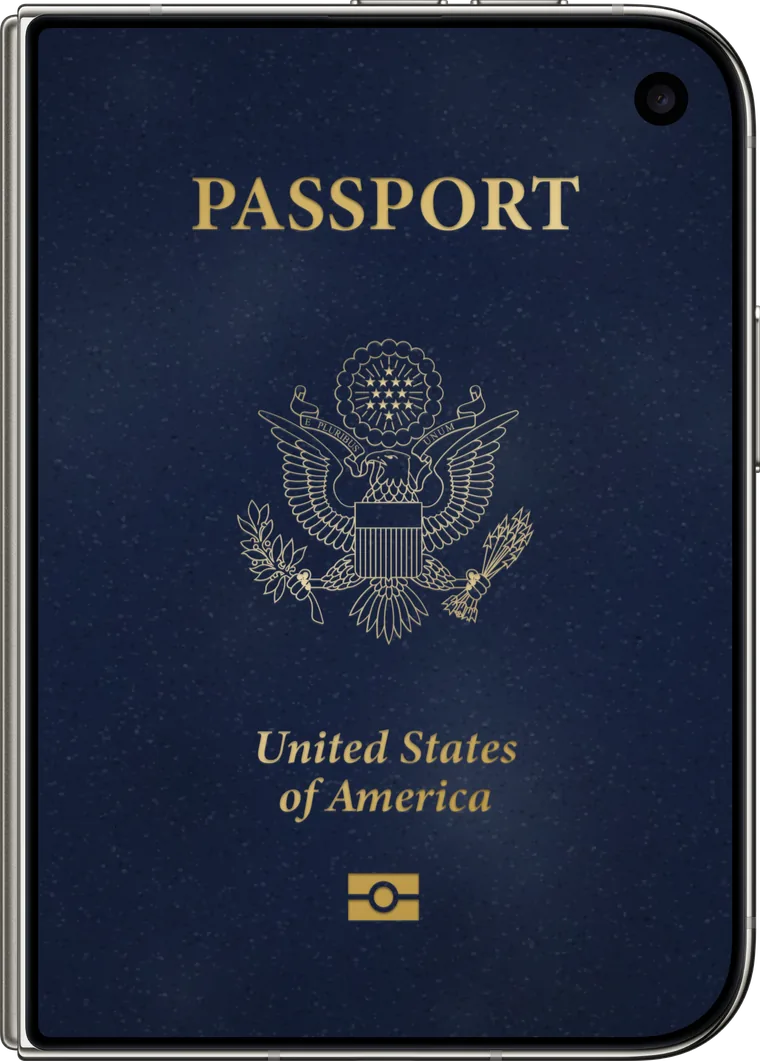
Your iPhone Duo becomes your passport. PathPort finds your photos and turns every trip into an album.
The essentials
Features.
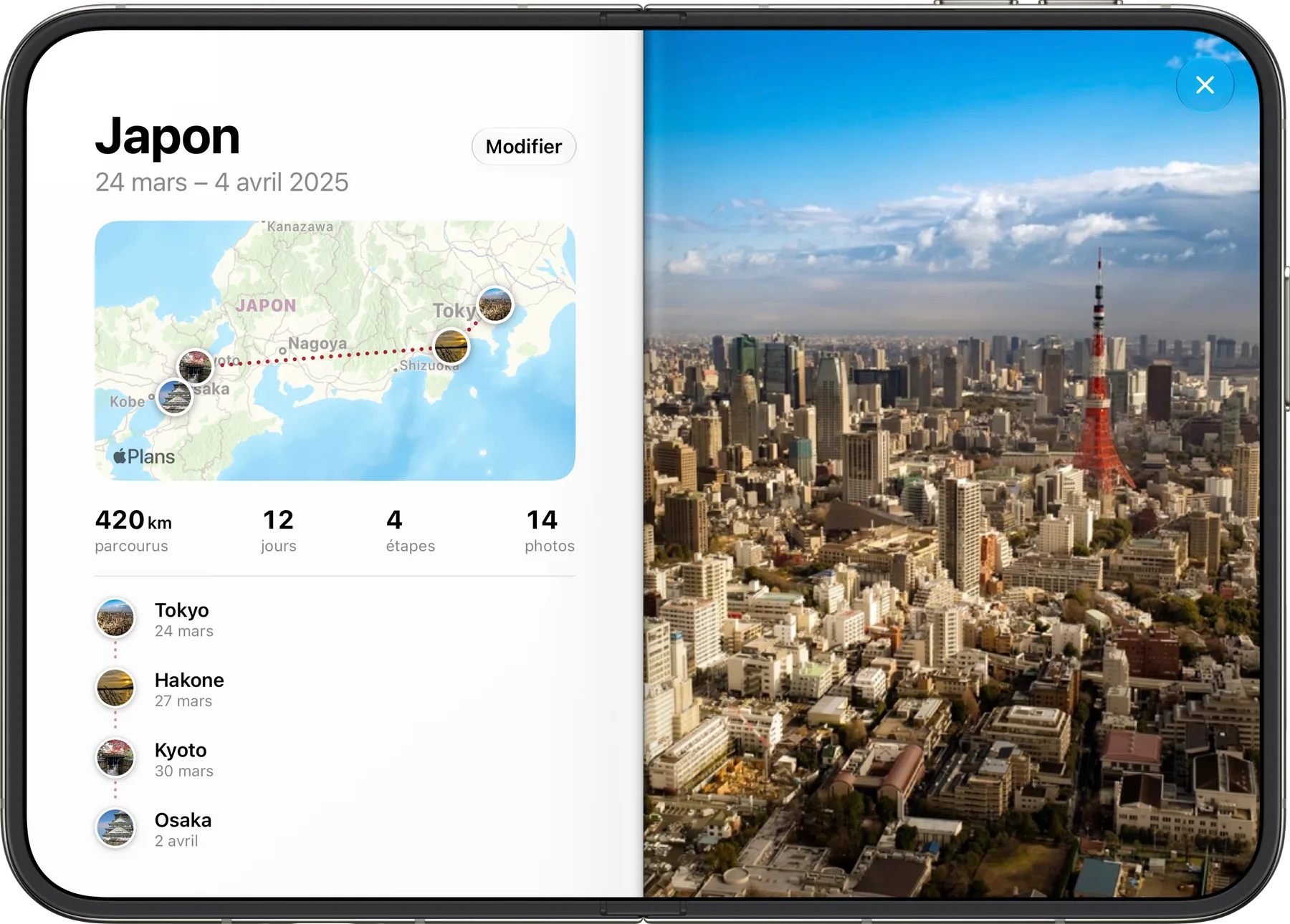
Tap a little book.
Its album opens: route map, stops, distance, days.
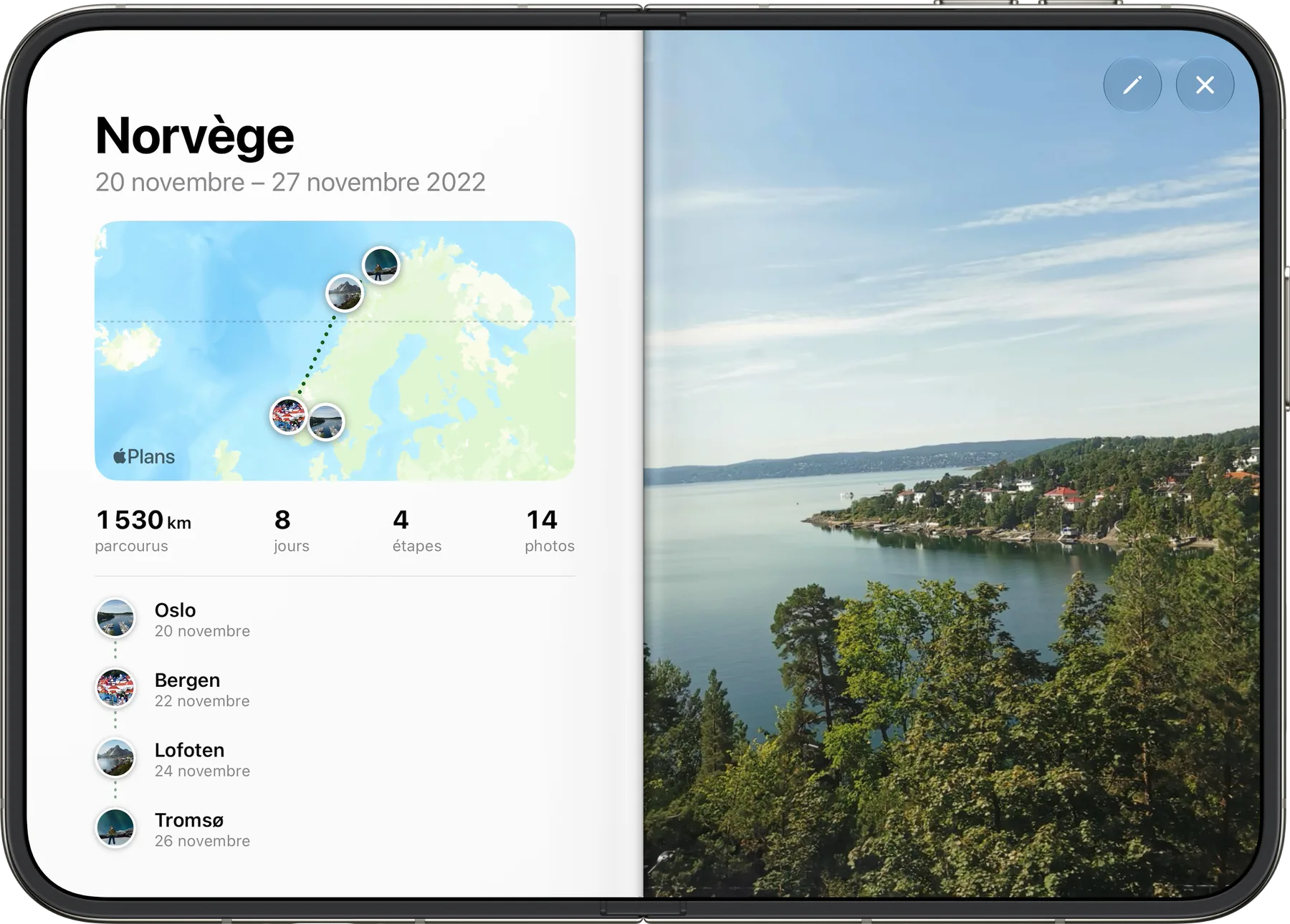
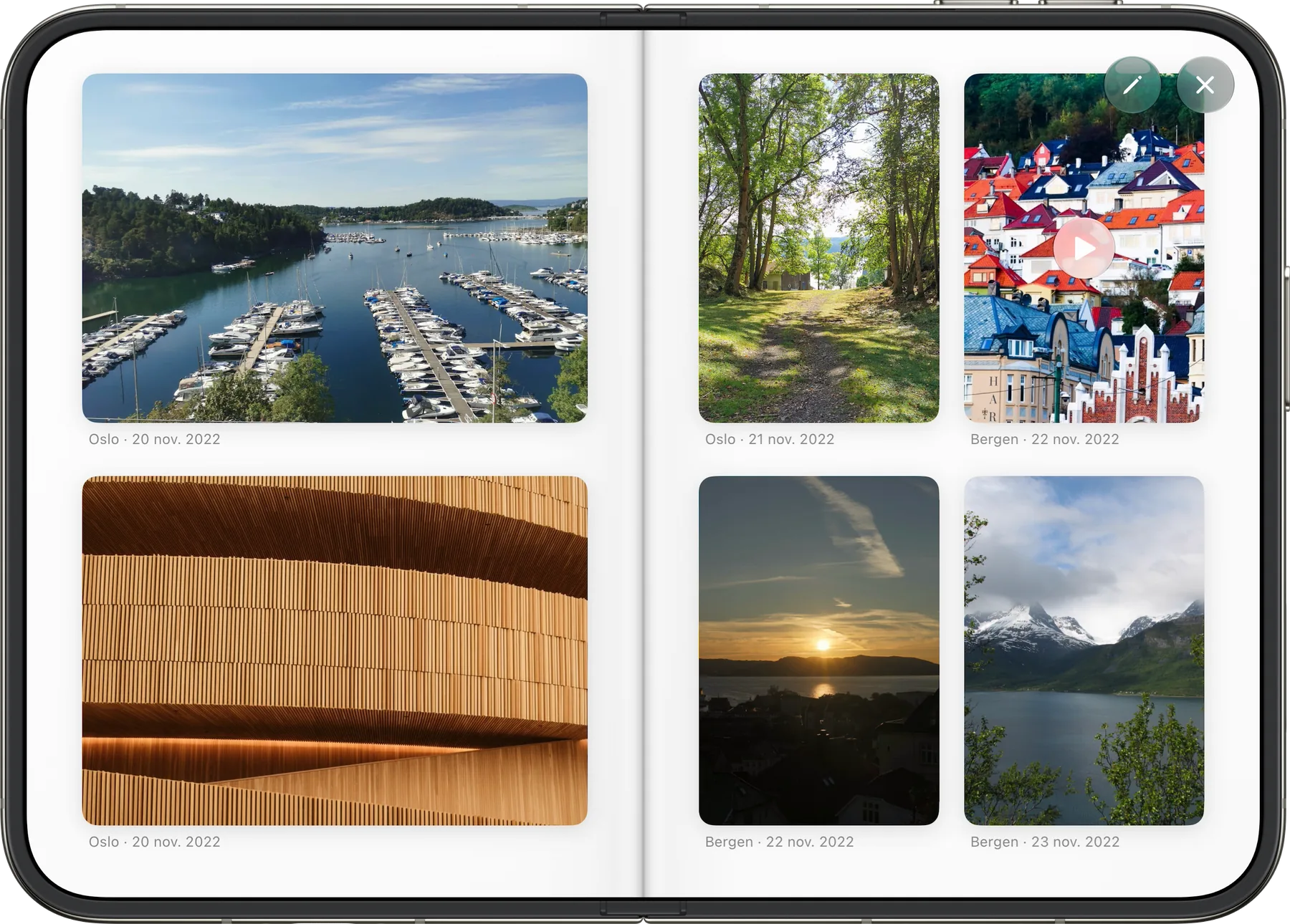
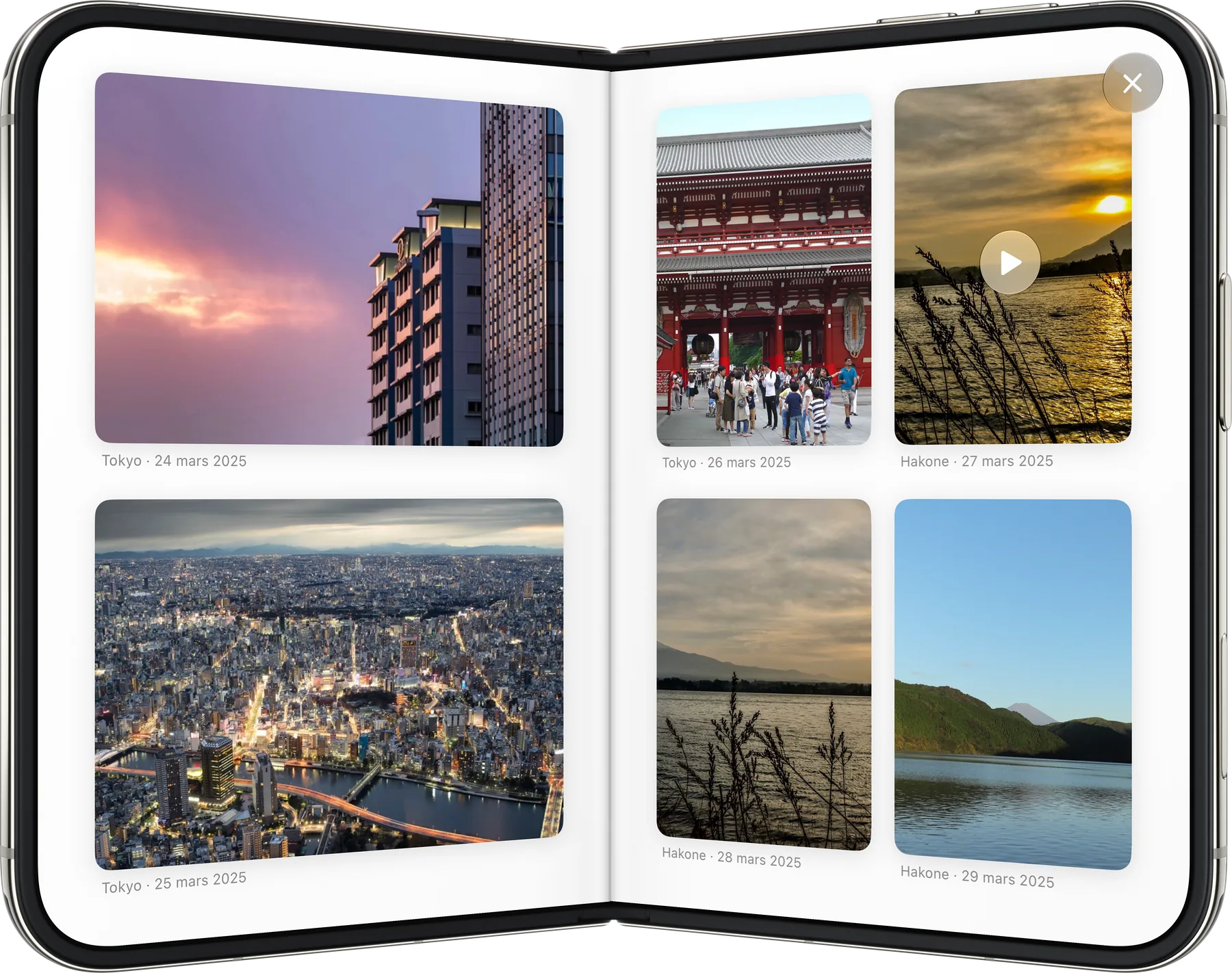
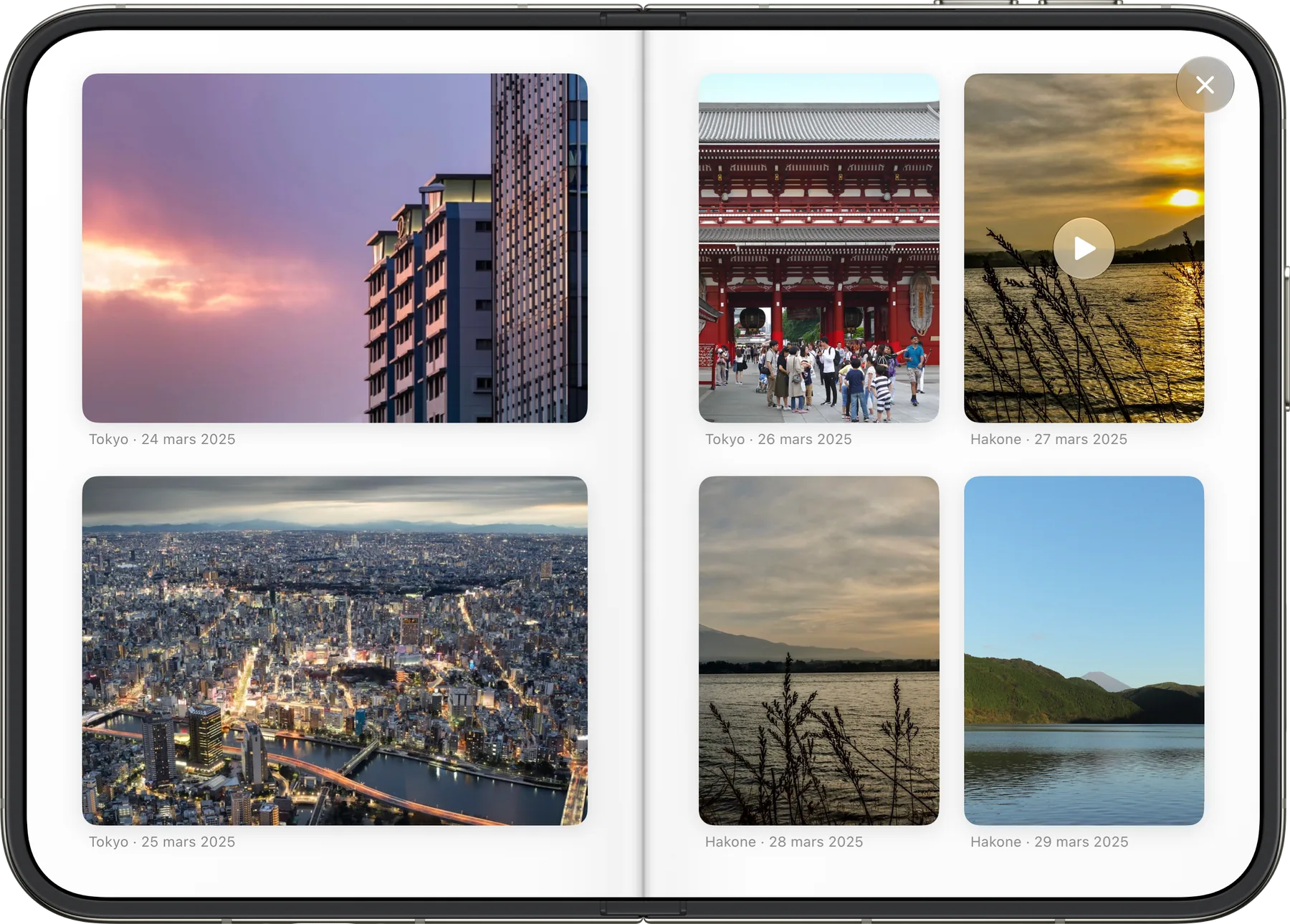
Pages turn like paper.
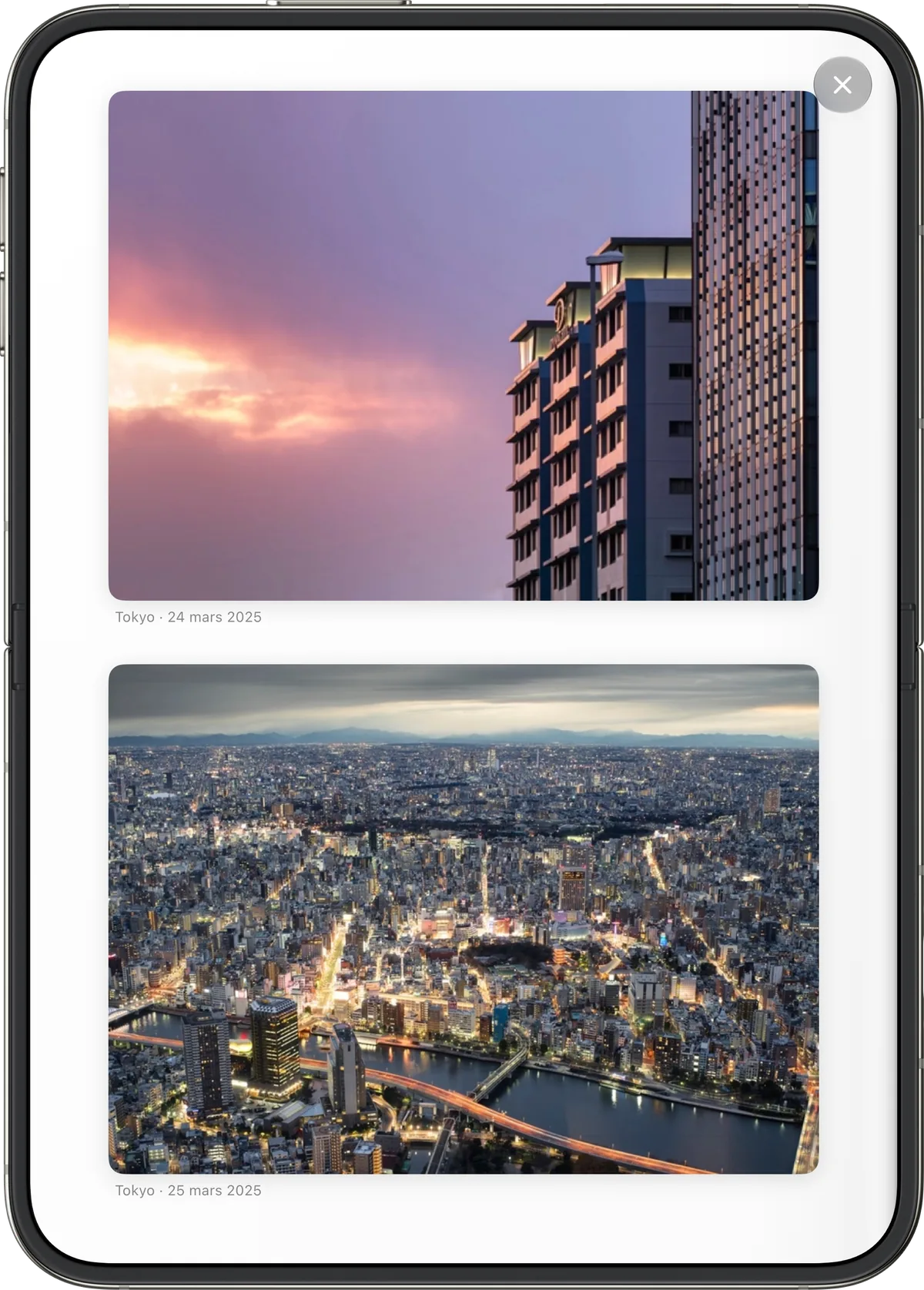
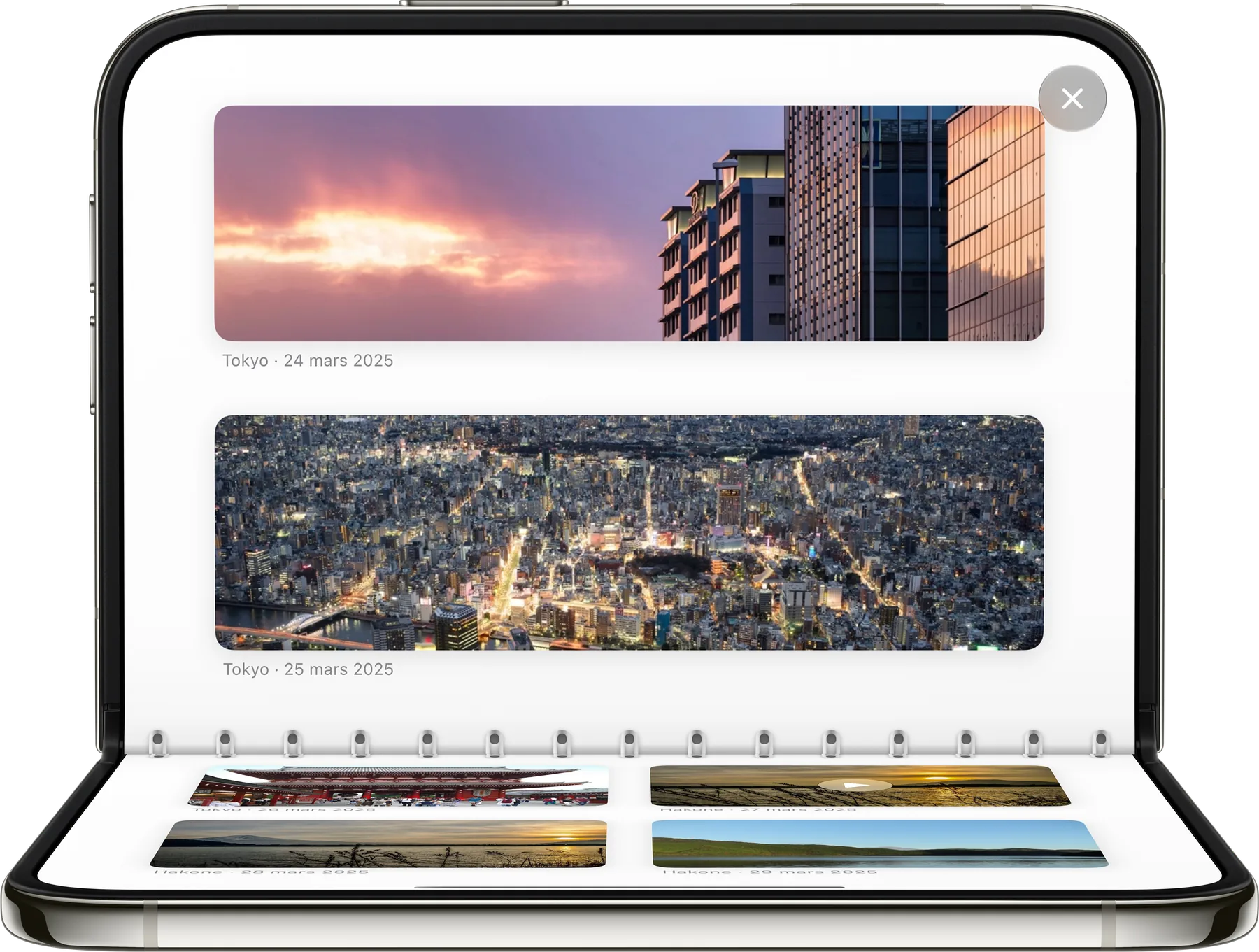
Your photos and videos, in the order of the trip, with the place and date.
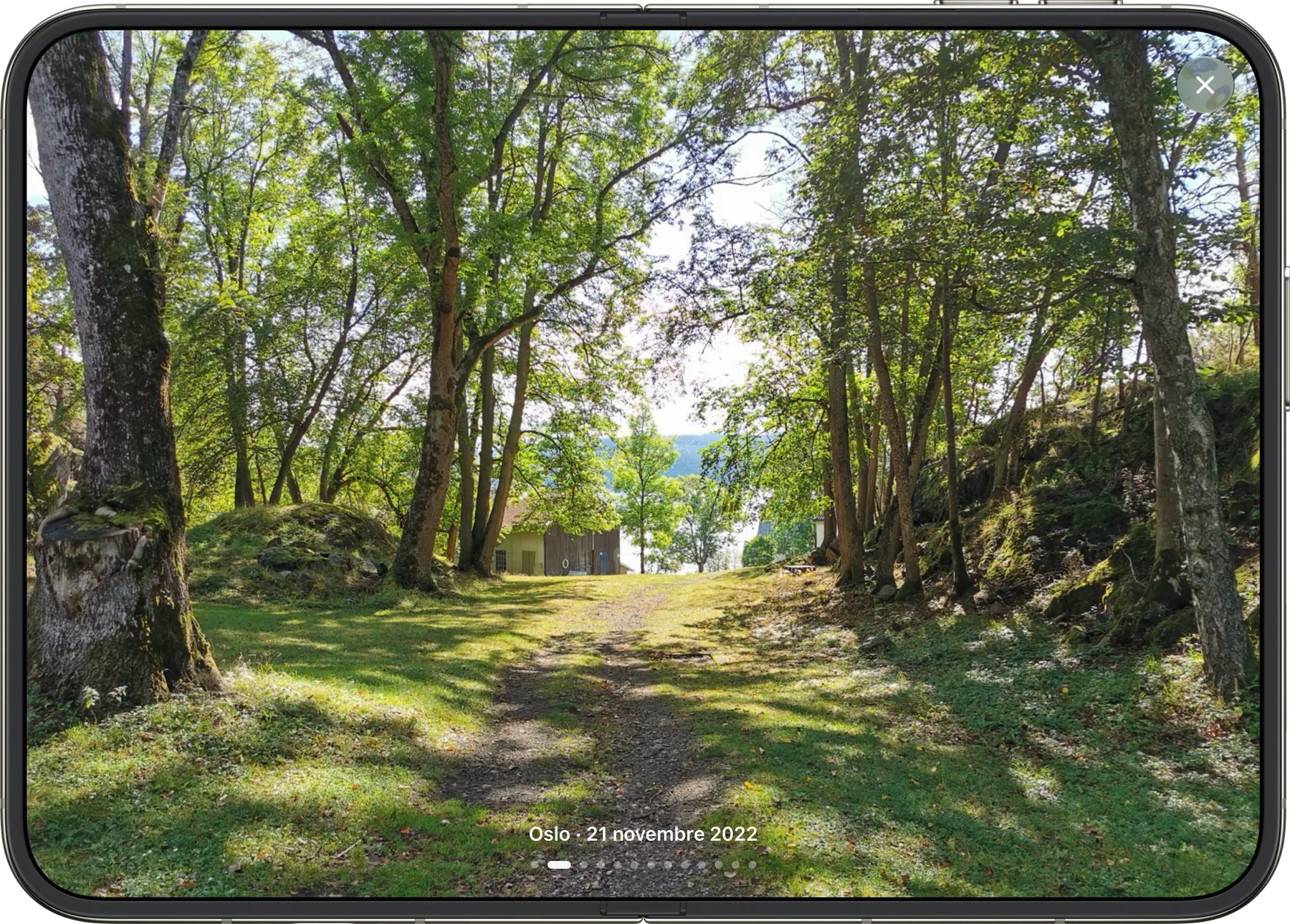
Every photo, full screen.
Tap one, then swipe from one to the next.
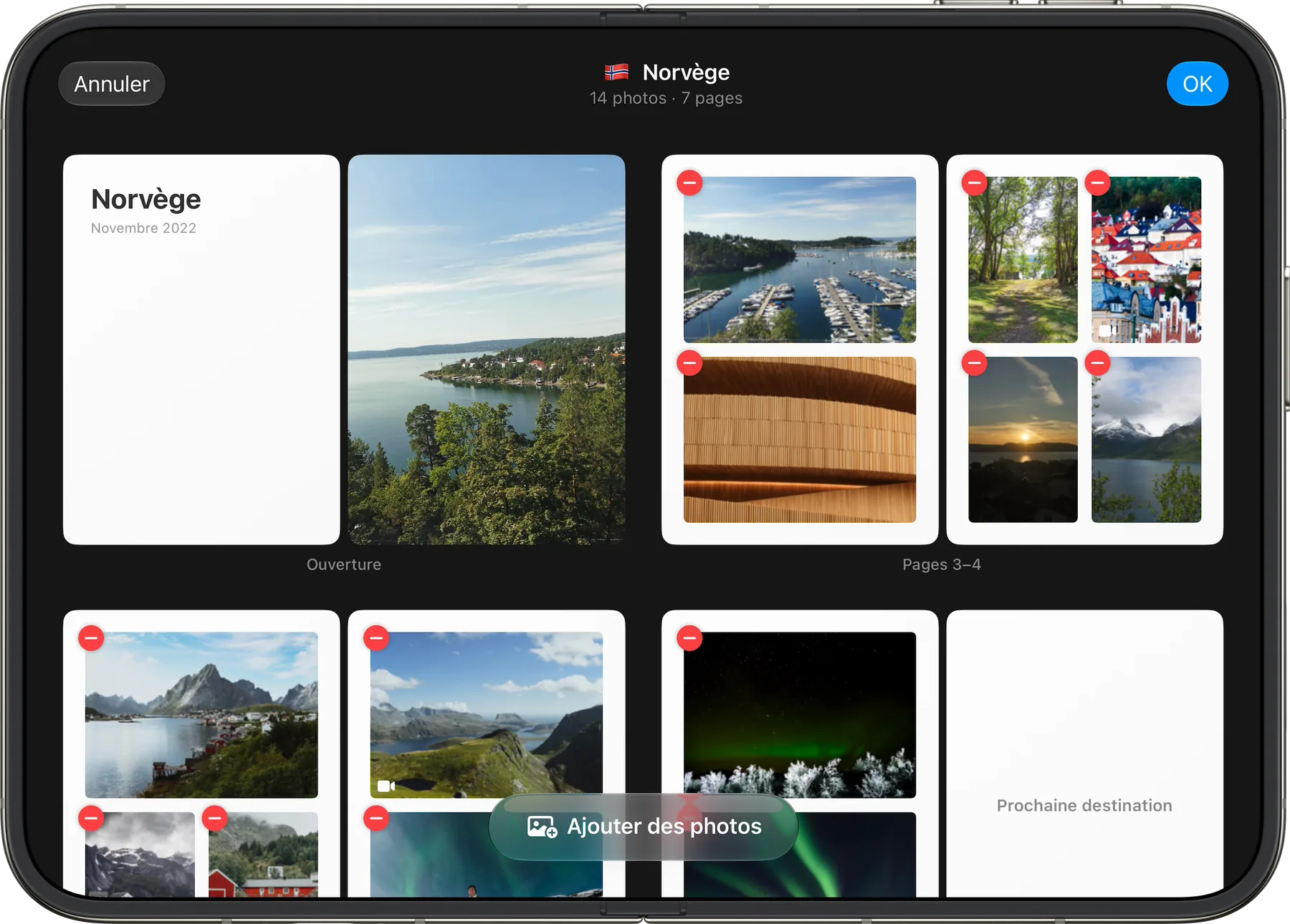
An album your way.
Remove a photo, add others, page by page.

The passport
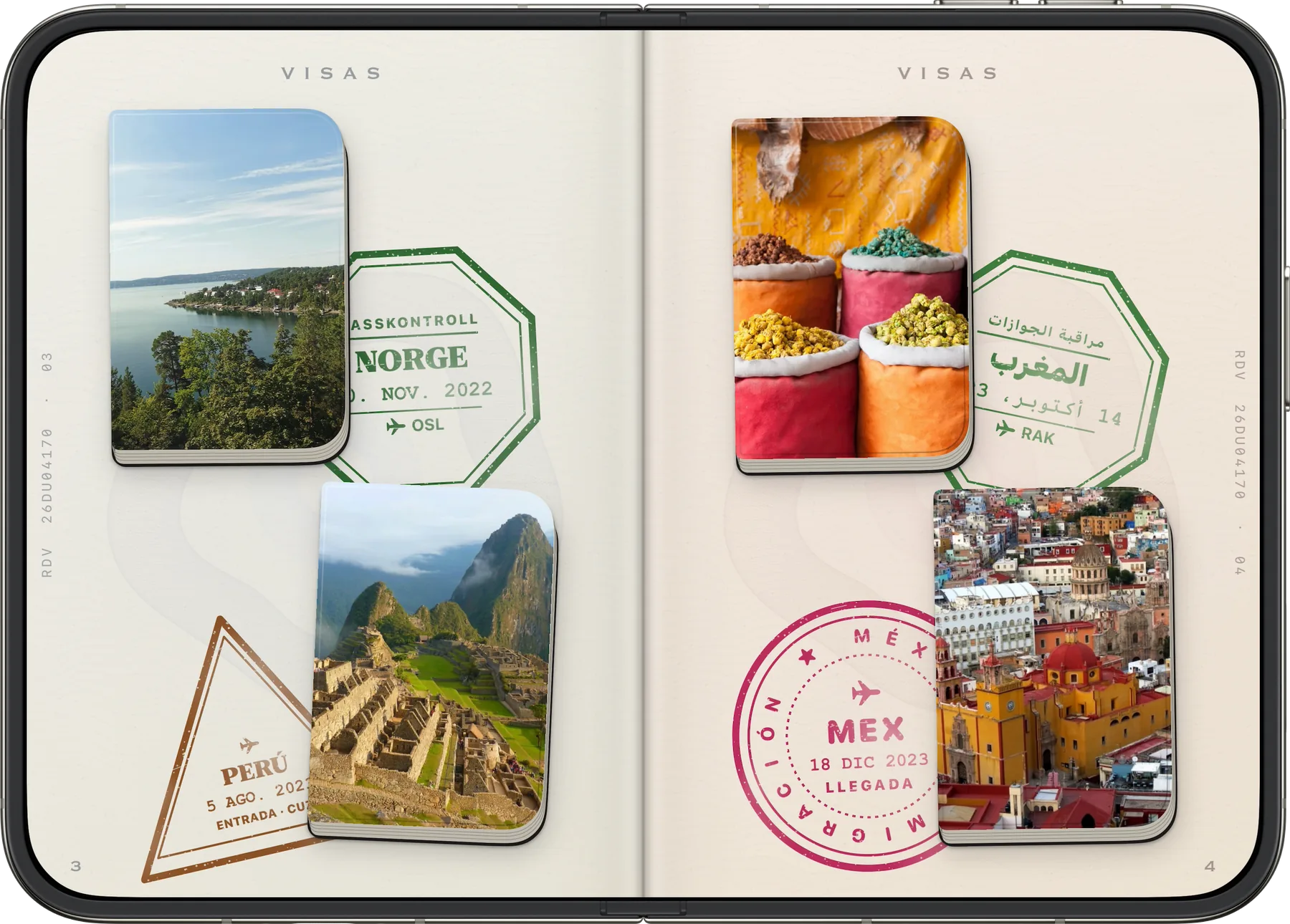
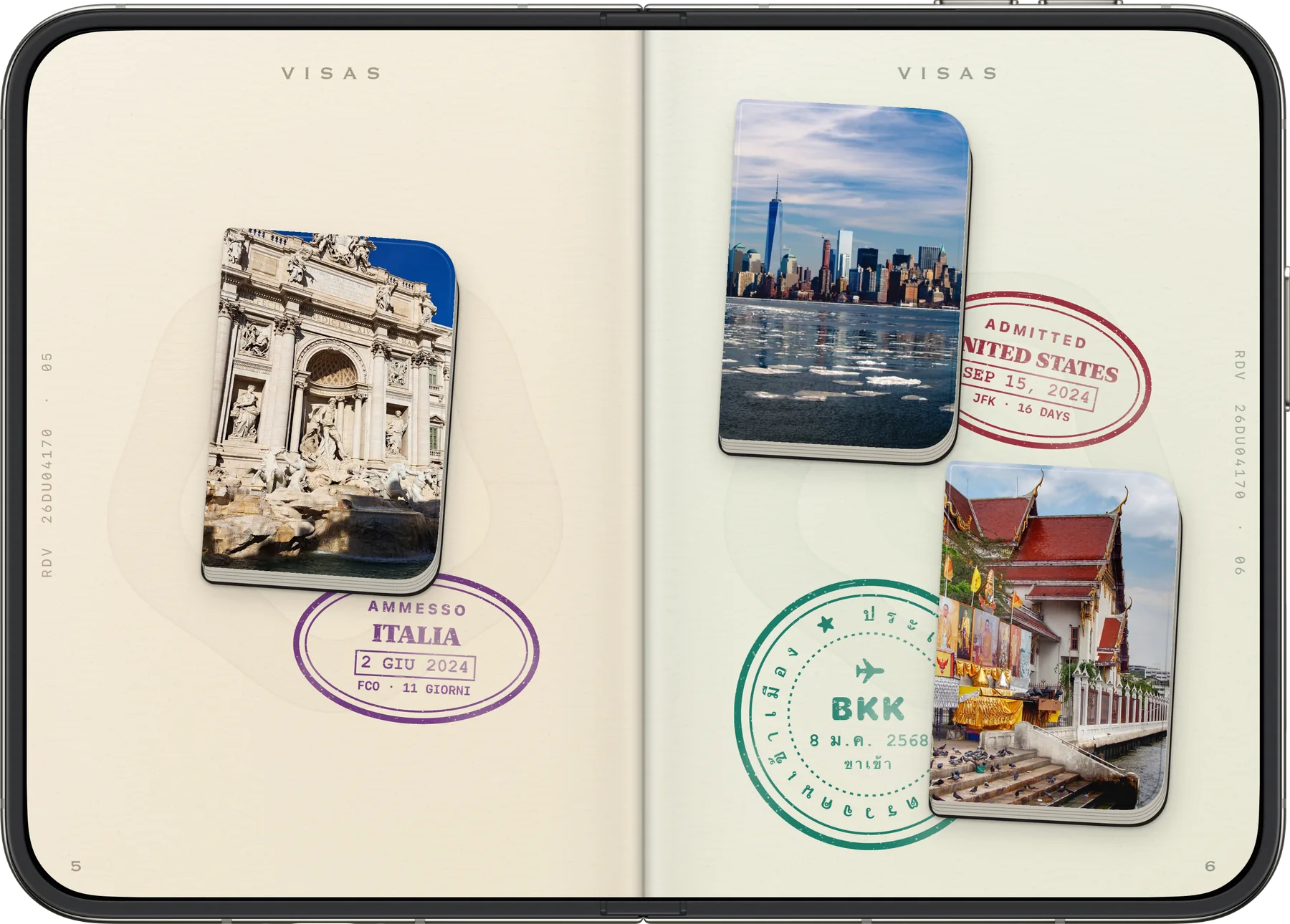
A stamp for every country.
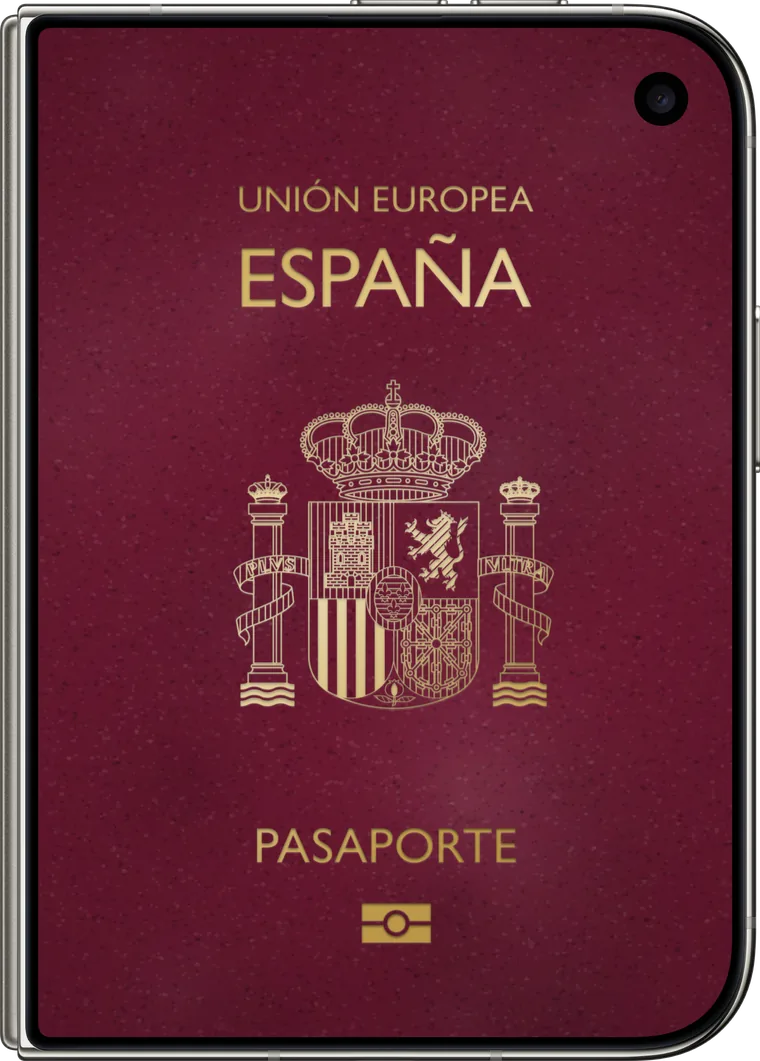
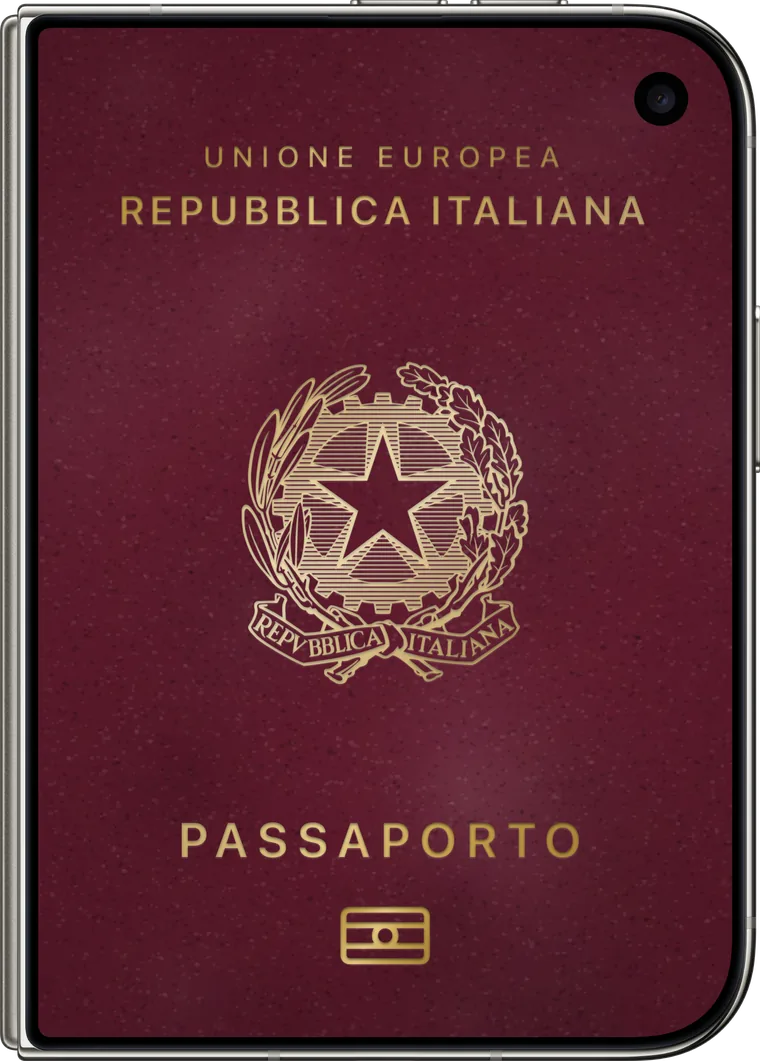
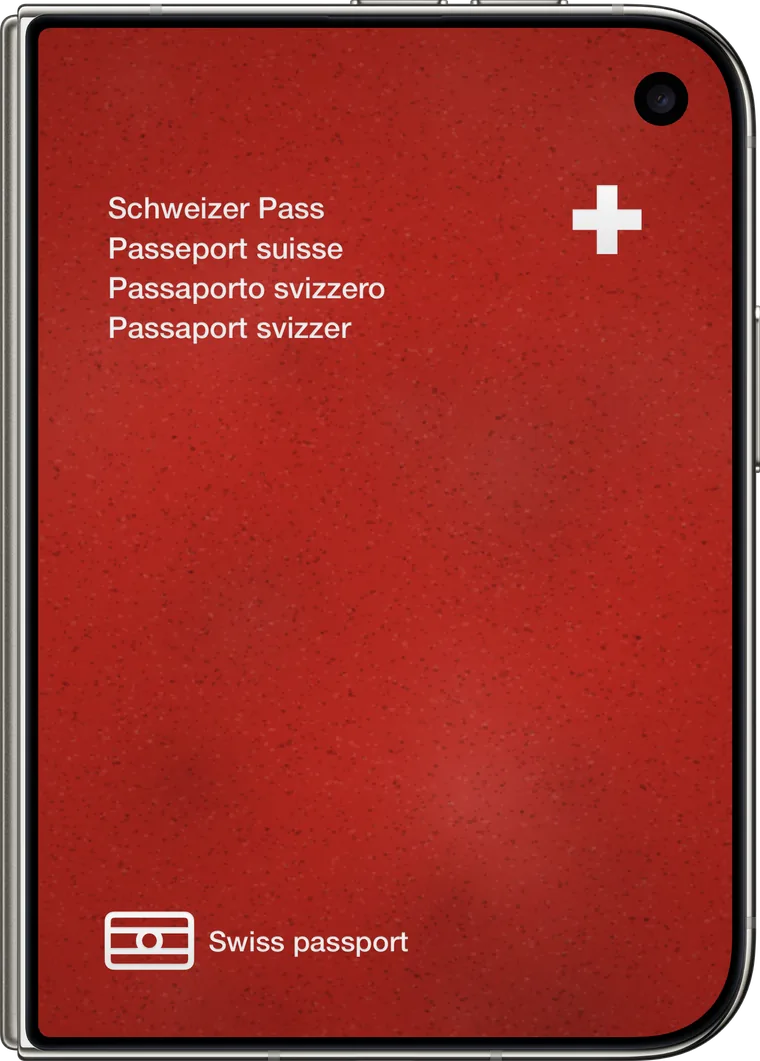
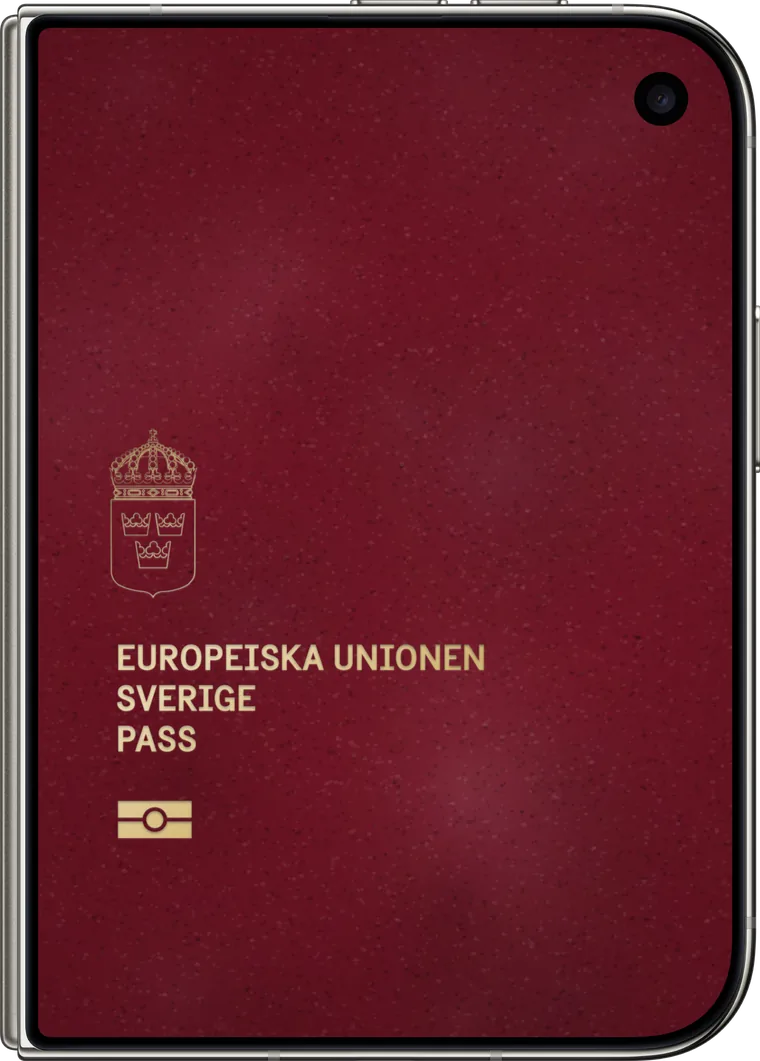
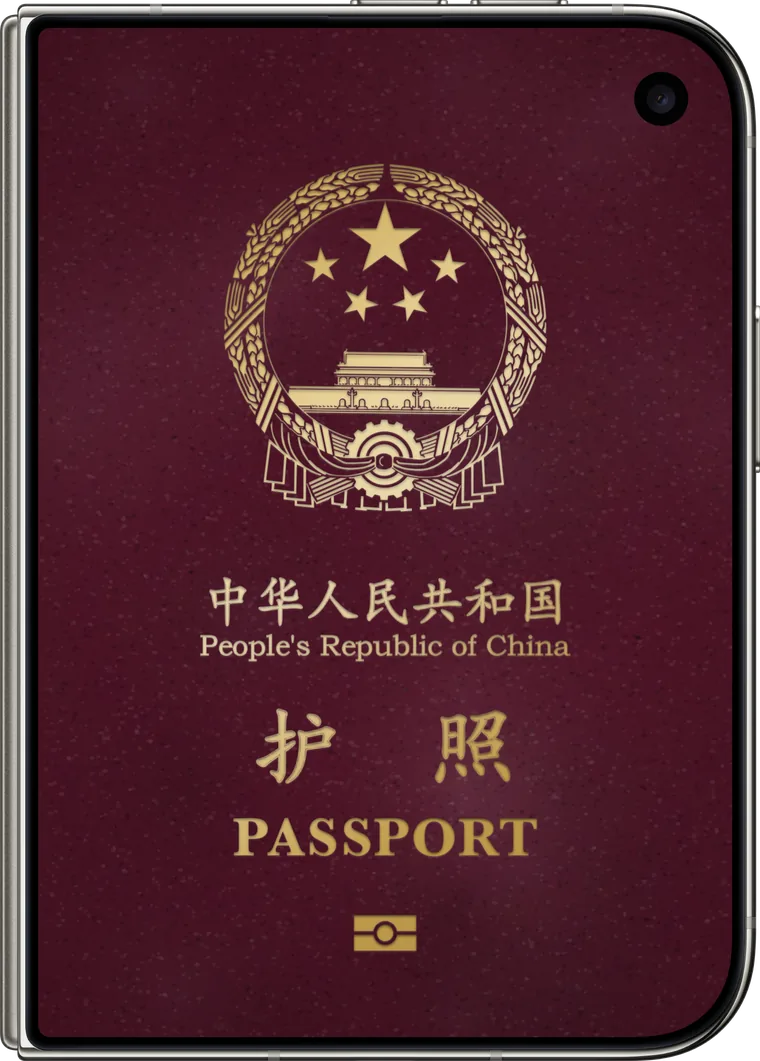
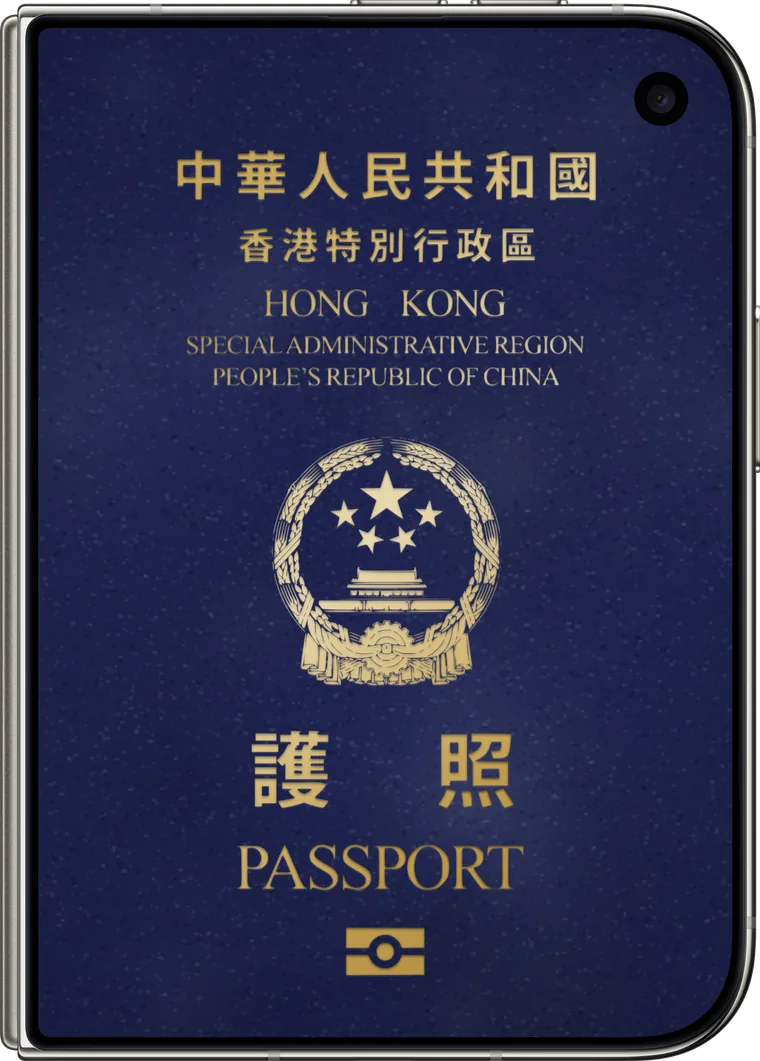
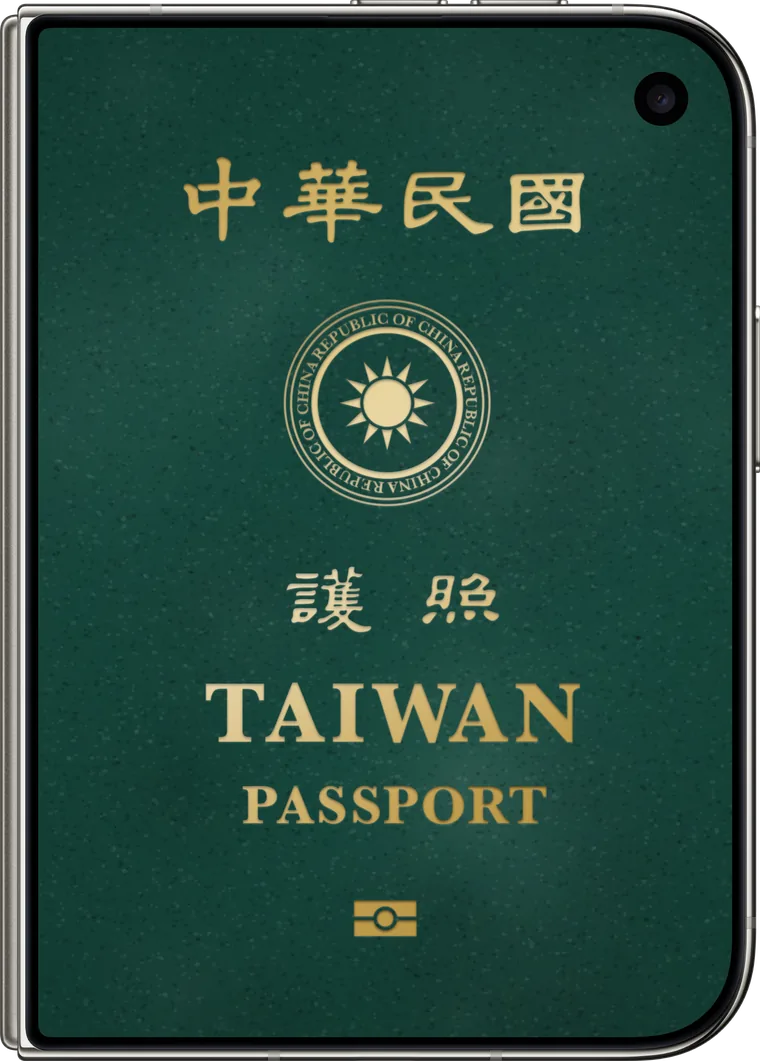
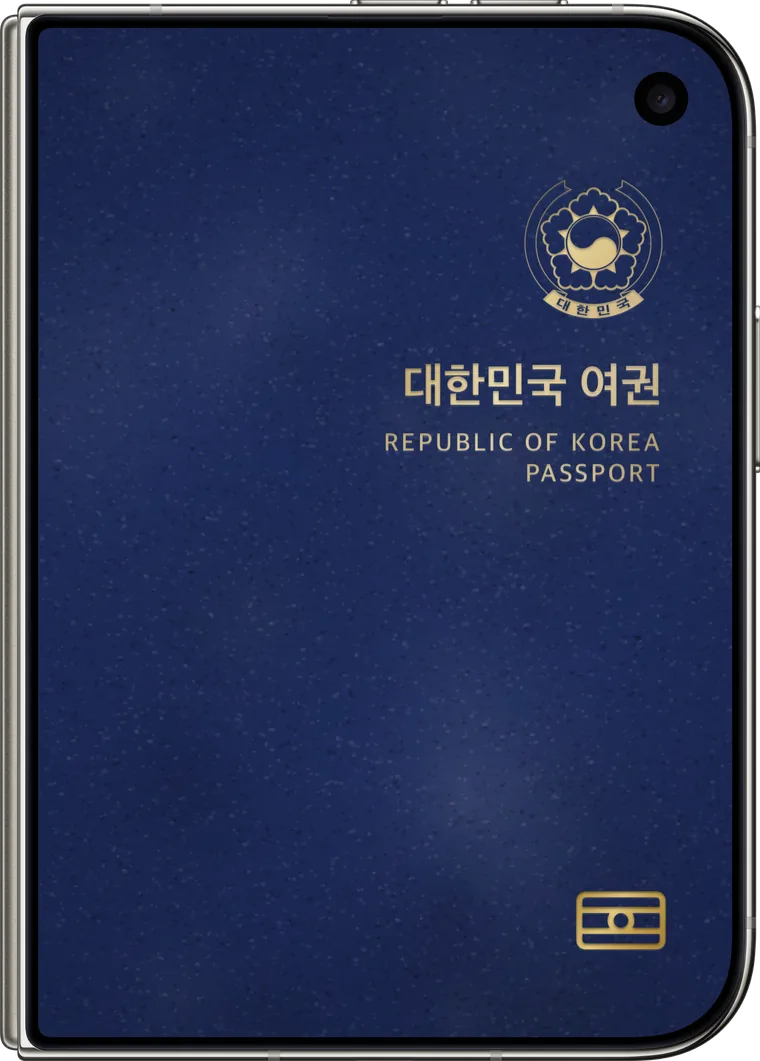
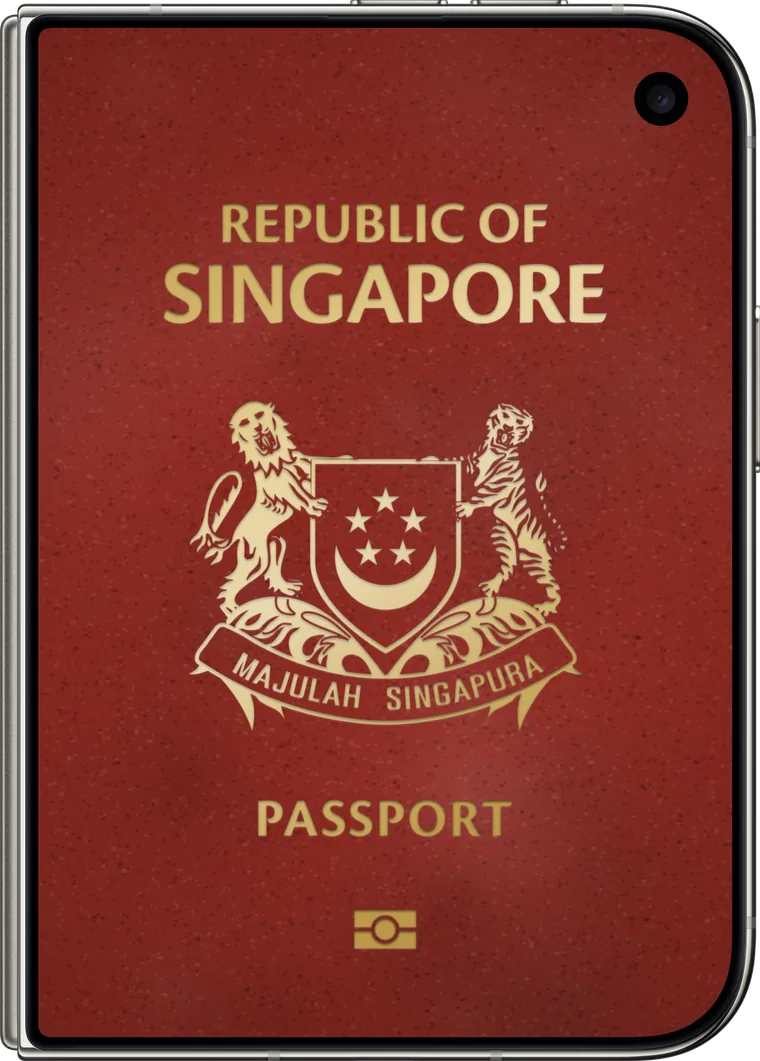
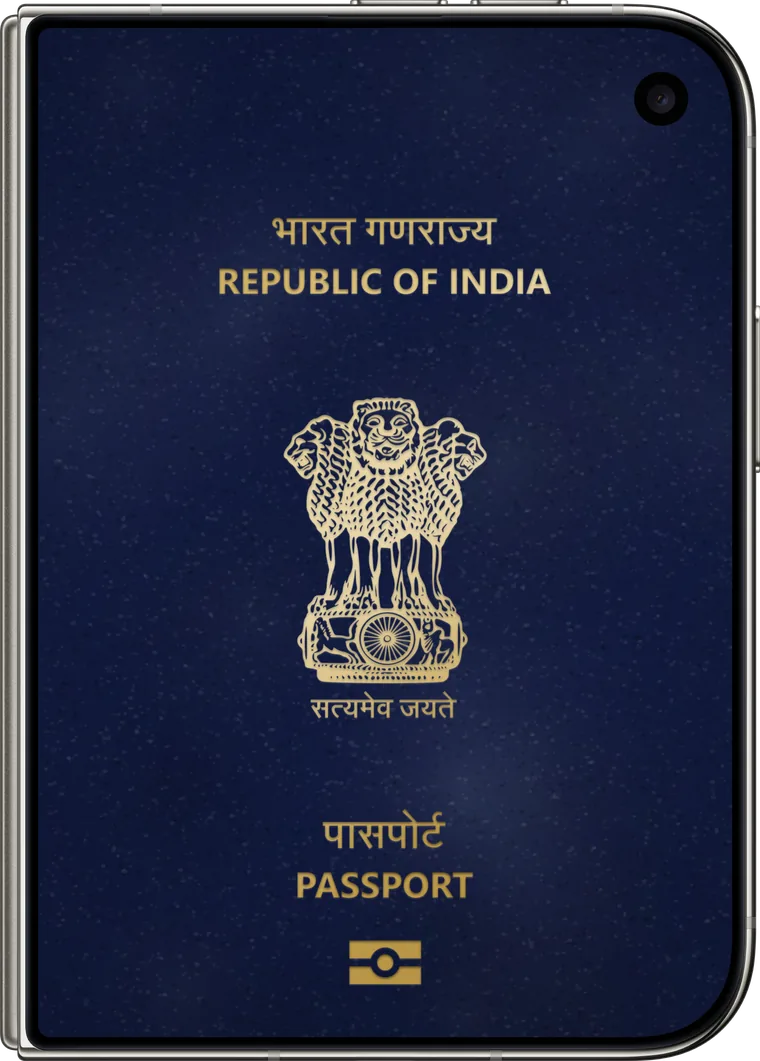
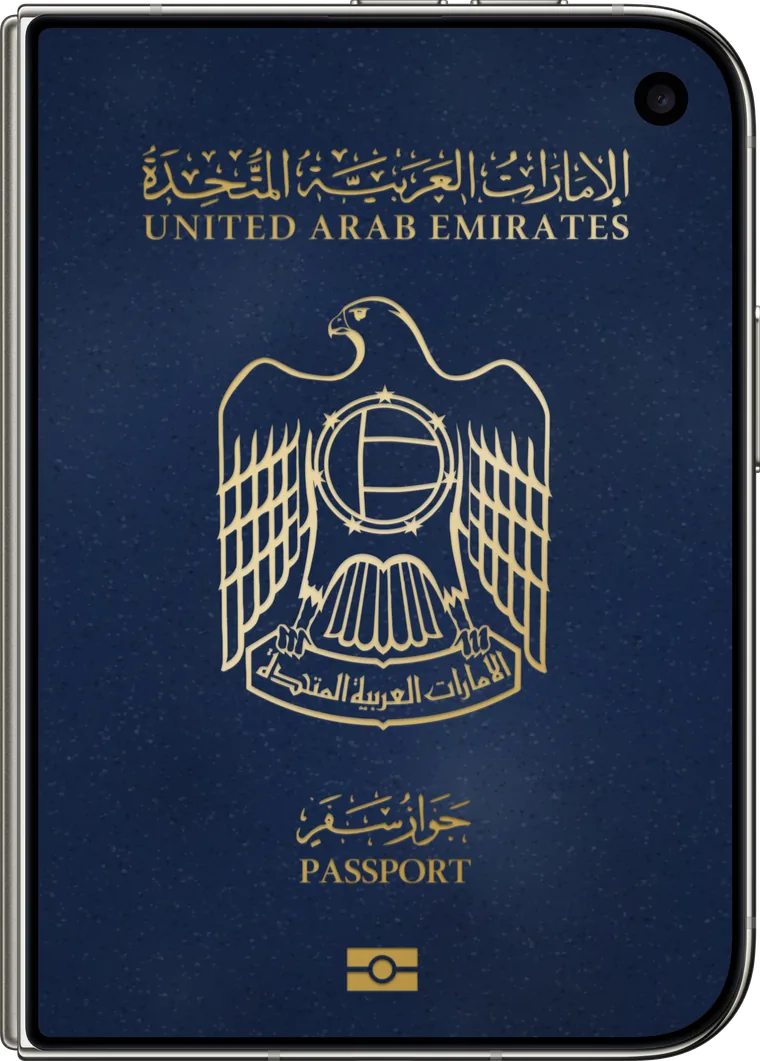
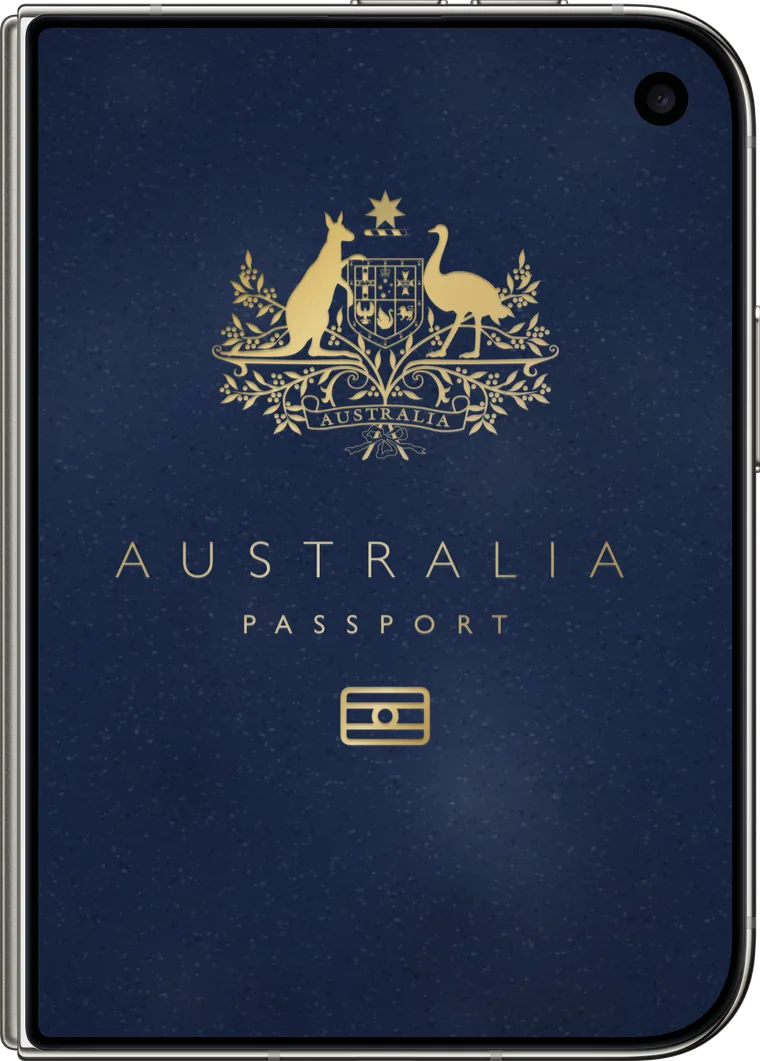
Every trip leaves its mark on a visa page: a little photo book and a stamp, dated the day you arrived and in the language of the country. The pages fill up as you travel.
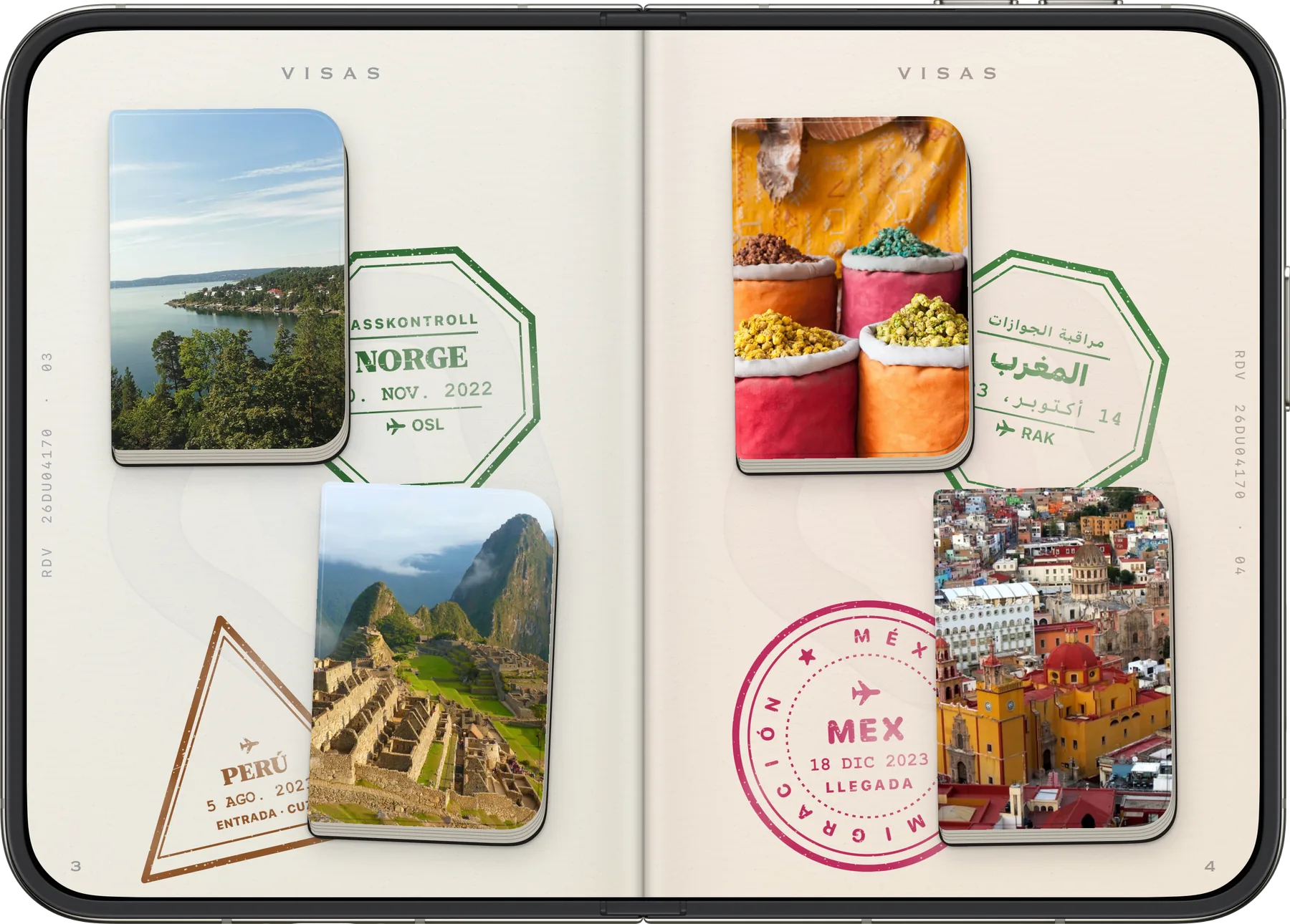
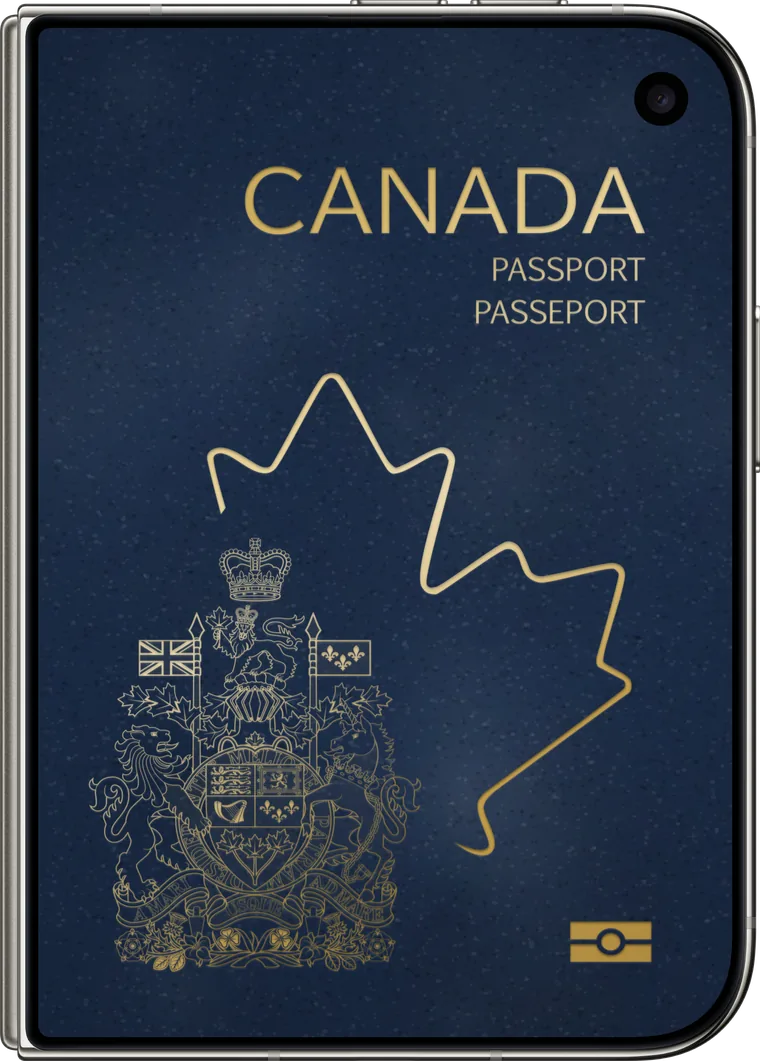
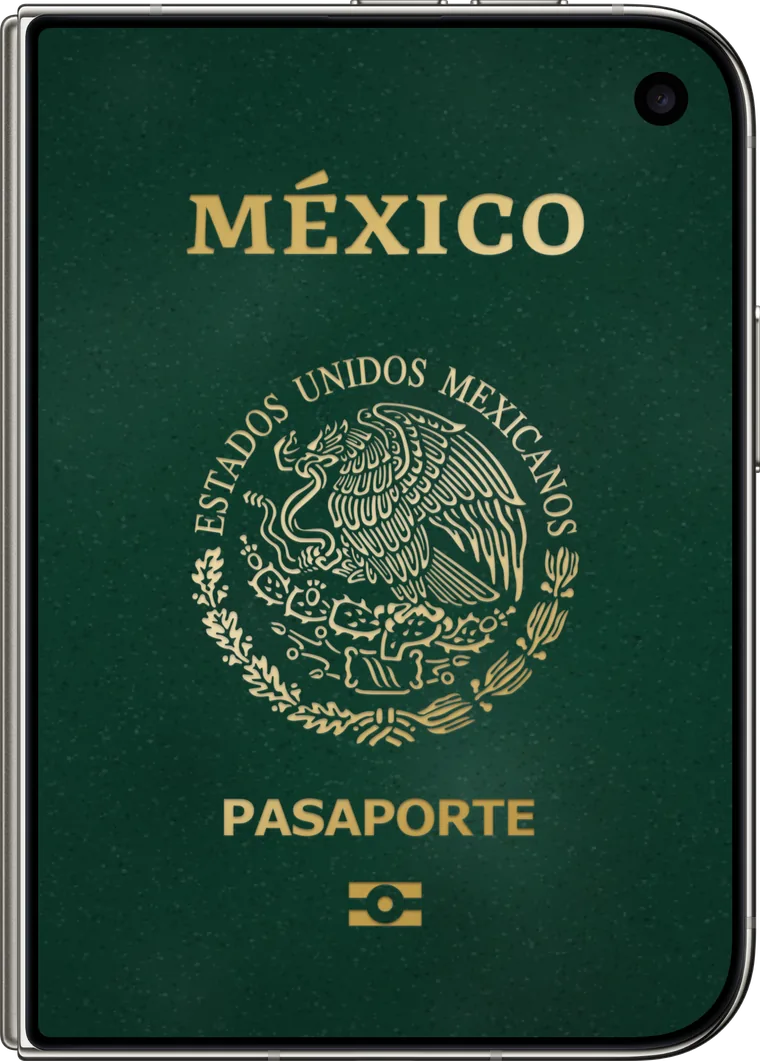
In every position.
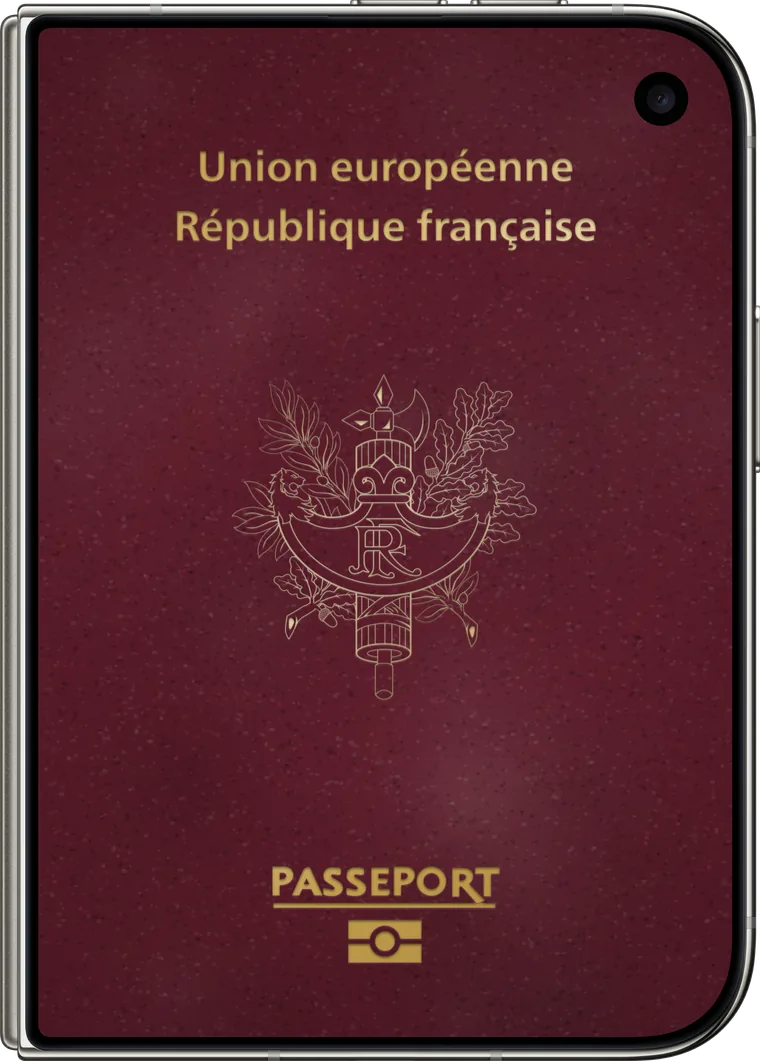
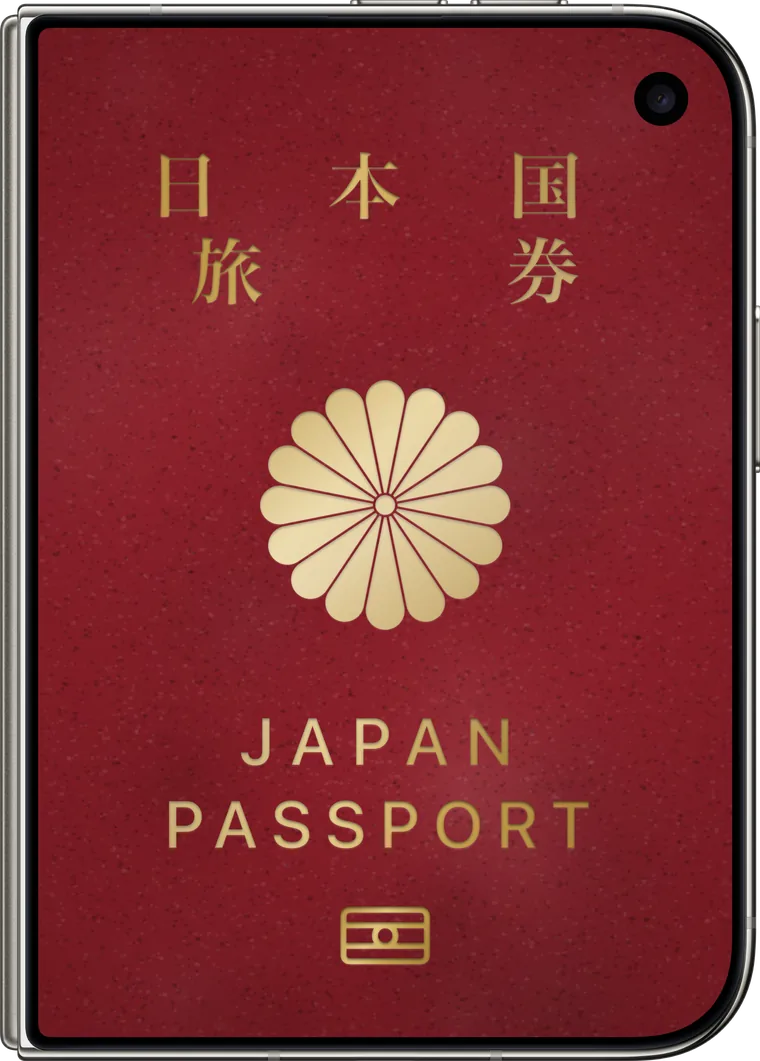
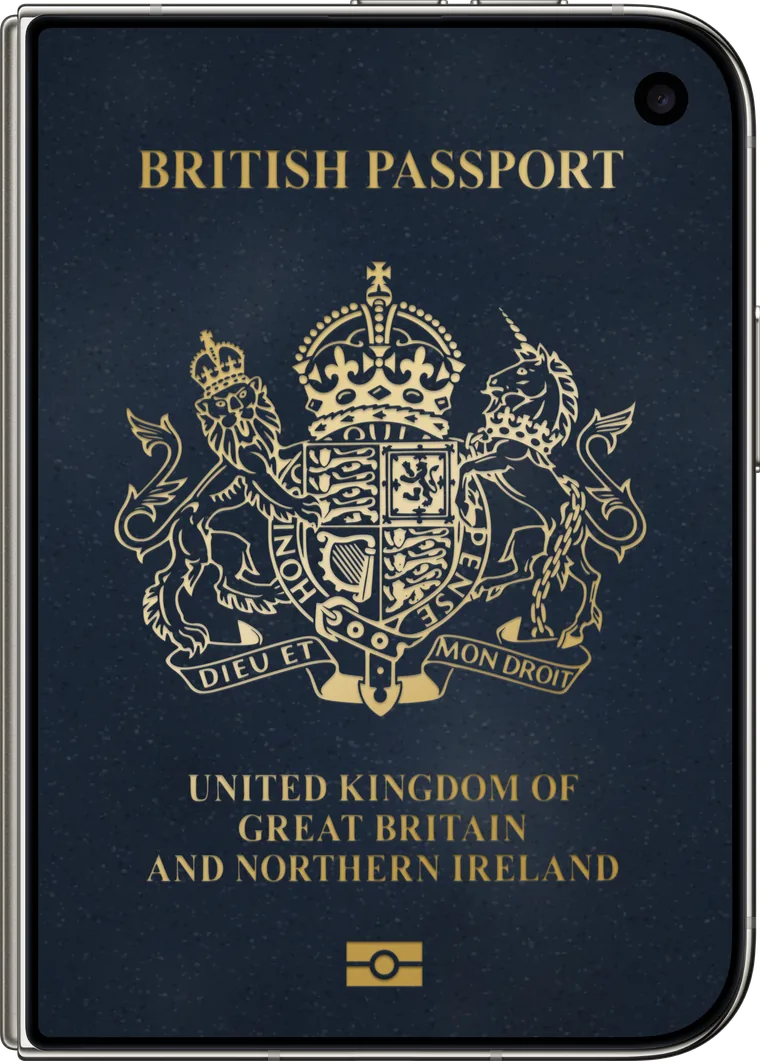
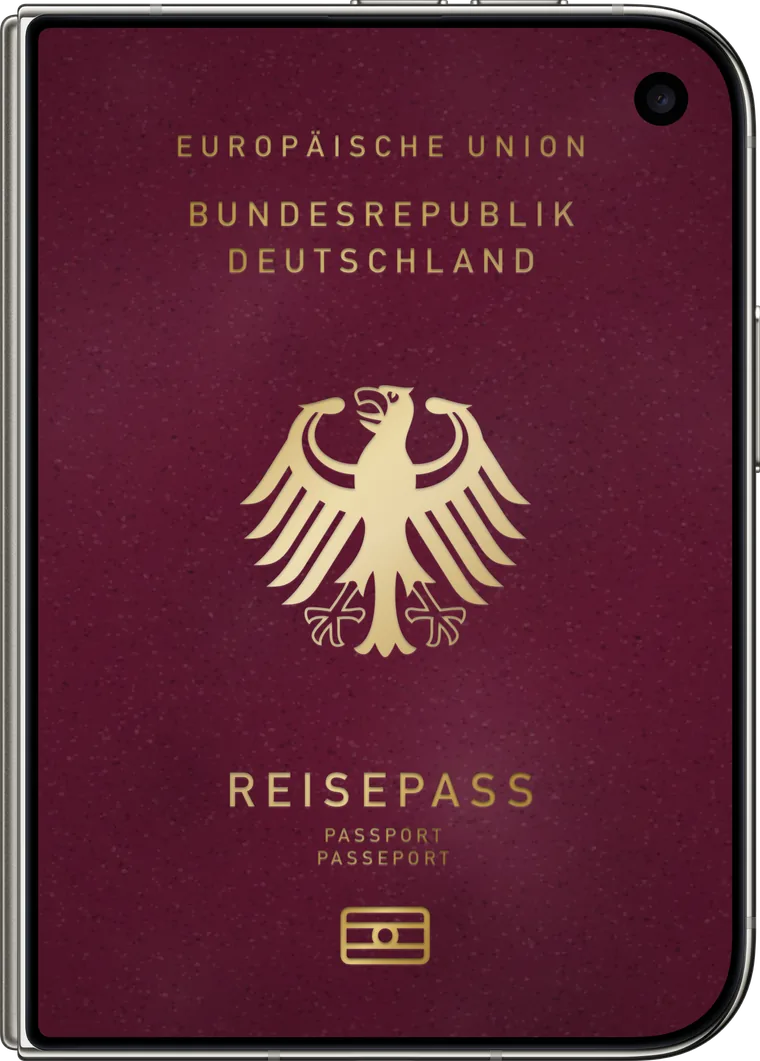
Automatic detection
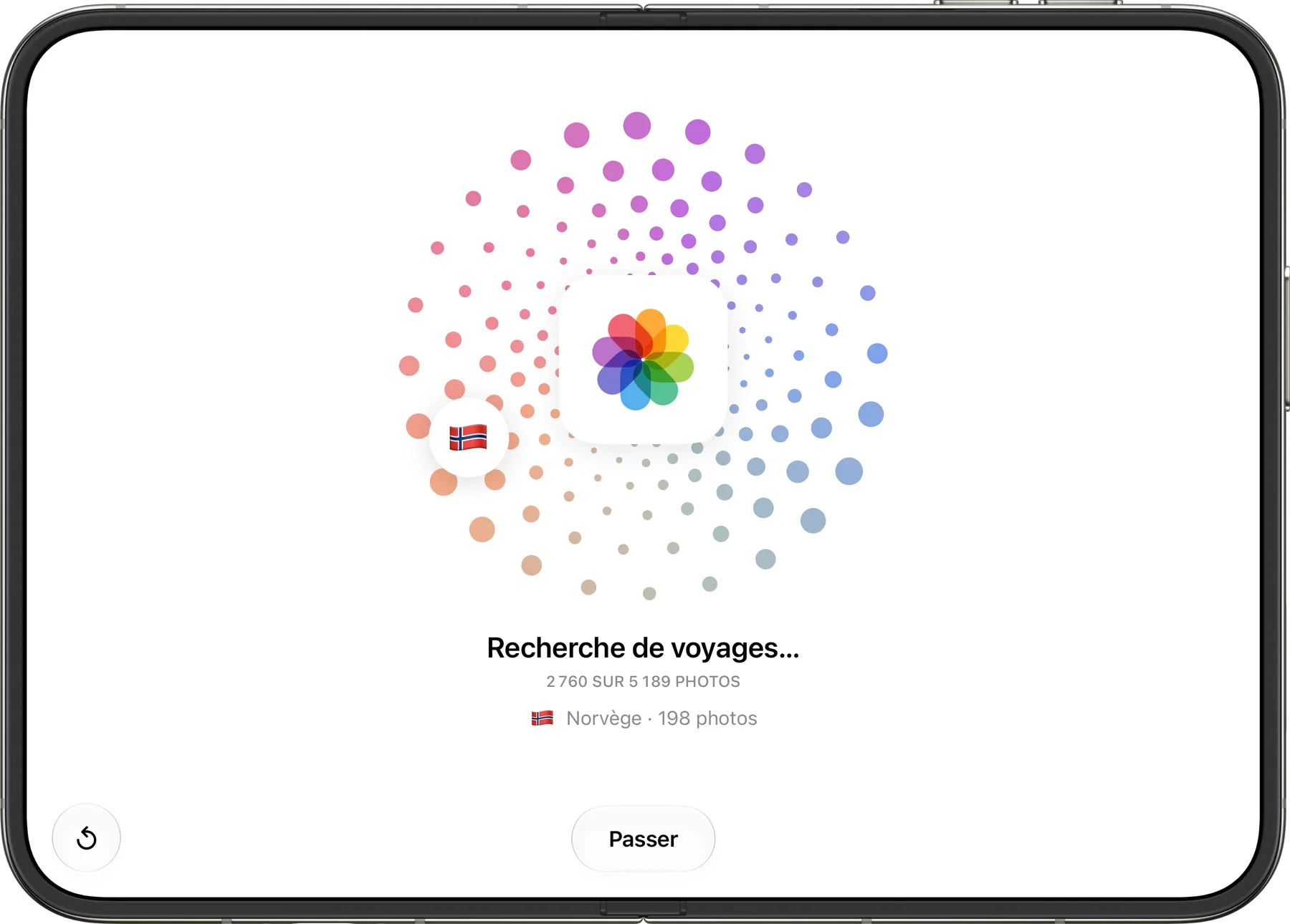
Your trips find themselves.
The app goes through your photo library, reads the date and place of every photo, then groups them by country and by period. Nothing to import, nothing to sort. It all happens in the app, on your iPhone.
The albums
Every trip becomes a book.
Tap a little book in your passport: it opens across two pages. Pages turn under your fingertip, like paper. Remove a photo, add another, and the album rearranges itself.
A page that turns. For real, under your finger.
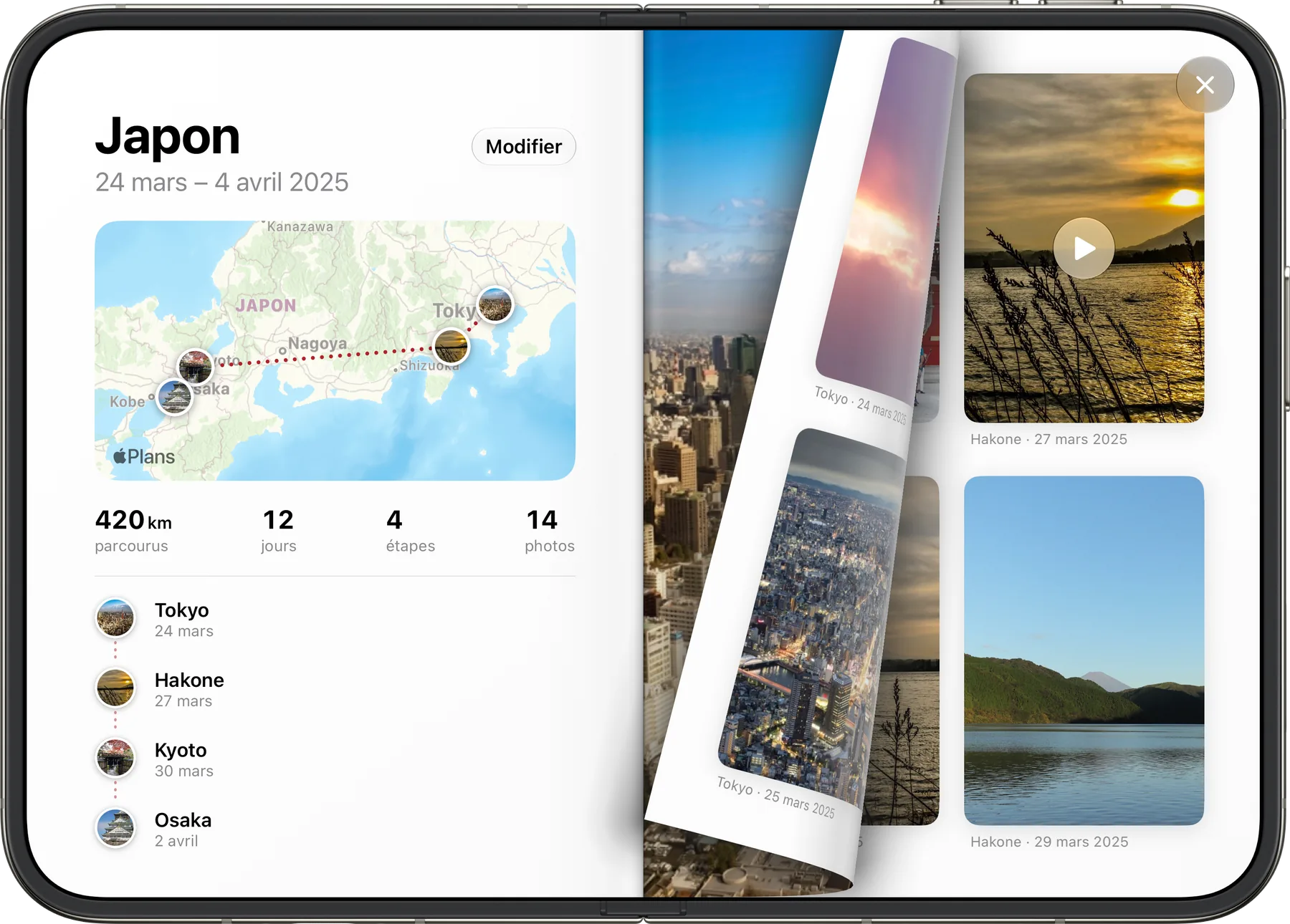
Your route at a glance. Map, stops, distance, days.
Photos and videos. In the order of the trip, with the place and date.
Privacy
Nothing is stored. Anywhere.
Detection is done by the app, on your iPhone. We have no server, we create no account and we receive nothing: not your photos, not your places, not your trips.
servers
The app has no server. It has nowhere to send your data.
accounts
No sign-up, no email address, no password.
photos sent
Your photos stay in your library. The app reads them, that’s all.
- What the app reads
- The date and place of your photos, with your permission, to recognize your trips.
- Where the analysis happens
- In the app, on your iPhone. Nowhere else.
- What we receive
- Nothing. We know neither who you are nor where you have been.
- Place names and maps
- They come from Apple Maps, based on approximate locations1.
- If you delete the app
- Your settings go with it. Your photos never moved.
Your questions.
Are my photos sent anywhere?
No. The analysis happens in the app, on your iPhone. We have no server and we store nothing.
How does the app recognize a trip?
It reads the date and place of your photos, then groups them by country and by period. Ten photos in the same place are enough to make a trip.
Do I need an account?
No. Open the app, allow access to your photos, and your passport fills up.
What if a trip is missing?
Add it yourself from the “Your next stamp” page: choose the photos and the place, and the stamp lands in your passport.
Can I edit an album?
Yes. The Edit button lets you remove photos or add more from your photo library.
Reopen your trips.
Available on the App Store, for iPhone Duo.